
Automate the follow-ups you keep forgetting
Things that happen on their own when something changes.
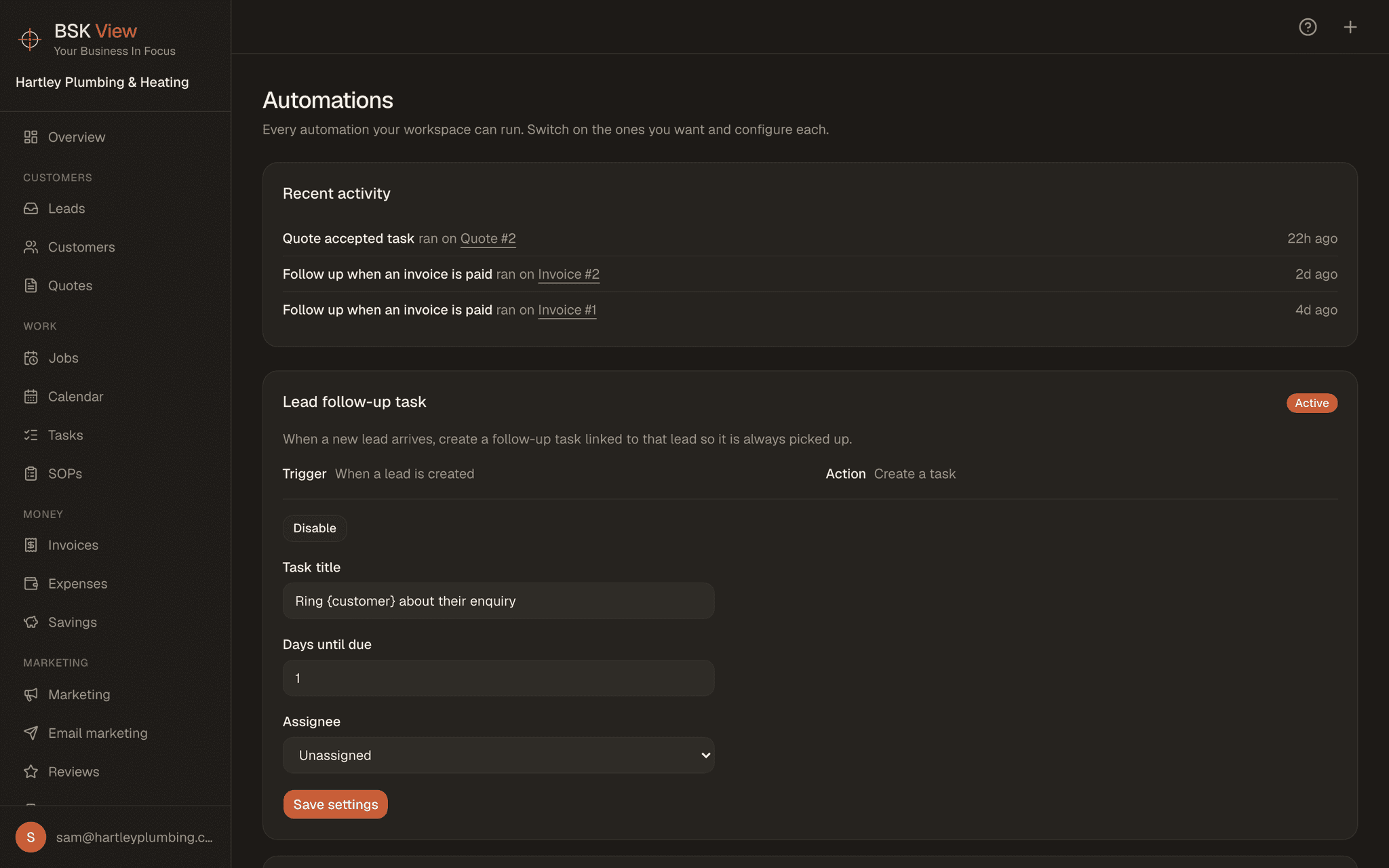
The problem.
The follow-up you meant to send. The quote nobody chased. The customer who never got asked for a review.
What it does.
Something happens, something else follows. A lead arrives, a quote is accepted, a job completes, an invoice is paid.
Scheduled chases.
Run daily, on their own.
Nothing surprising.
You set them up, you can see what ran.
Questions
- Can I email customers automatically after a job?
- Yes. A completed job can trigger whatever should follow it, including asking for a review.
- Does it follow up quotes?
- Yes. A quote that has gone quiet can be chased on its own, and so can an overdue invoice. Chases run daily.
- Can I see what has been sent?
- Yes. You set them up and you can see what ran. Nothing goes out that you did not switch on.
- Can I turn one off?
- Yes, whenever you like. They are yours to switch on and off, not something running in the background you cannot reach.